Add Holidays to Your Company Calendar
1) Click on your name in the top right corner to access your account settings.
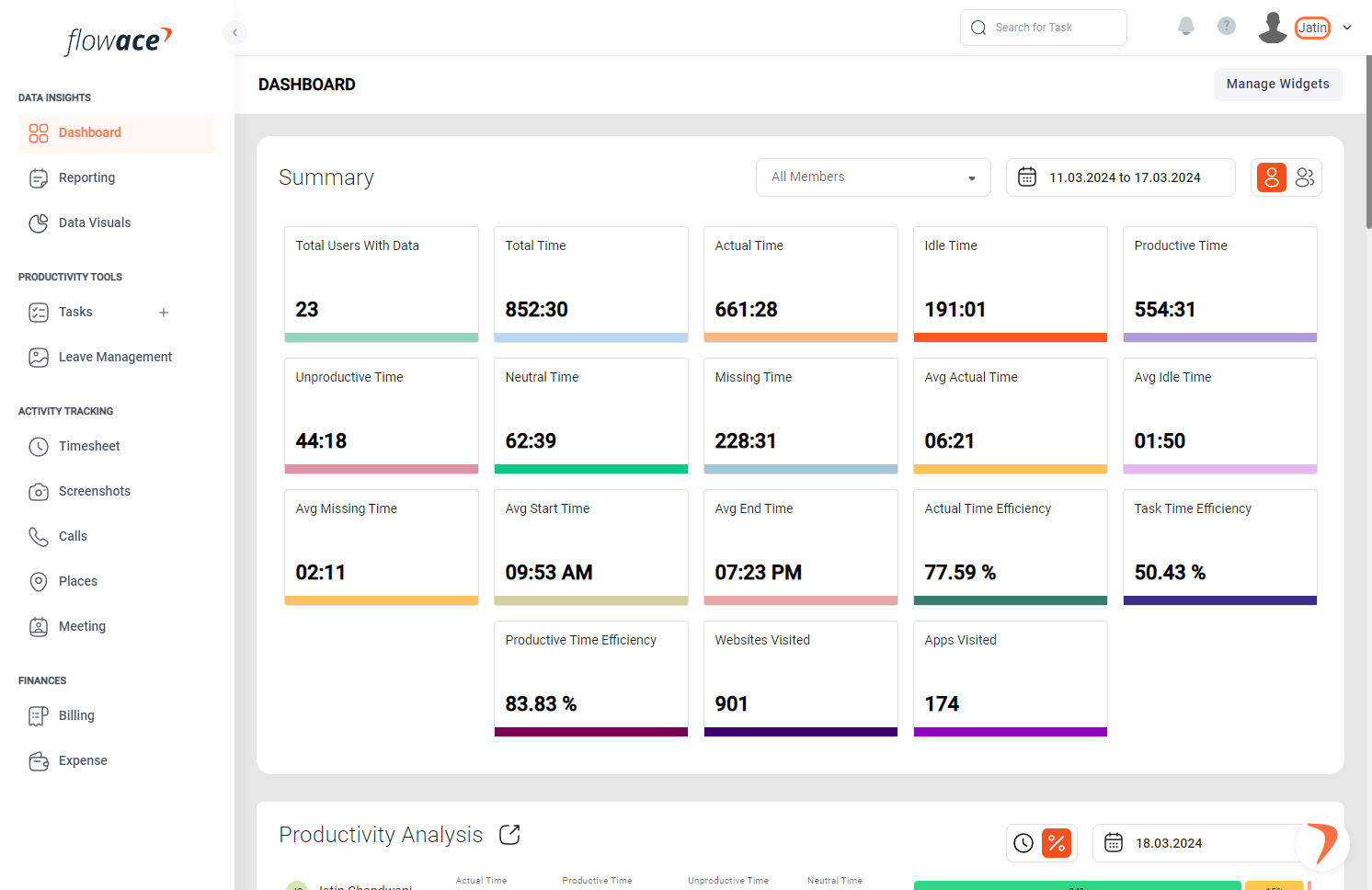
2) Click on Admin Settings.
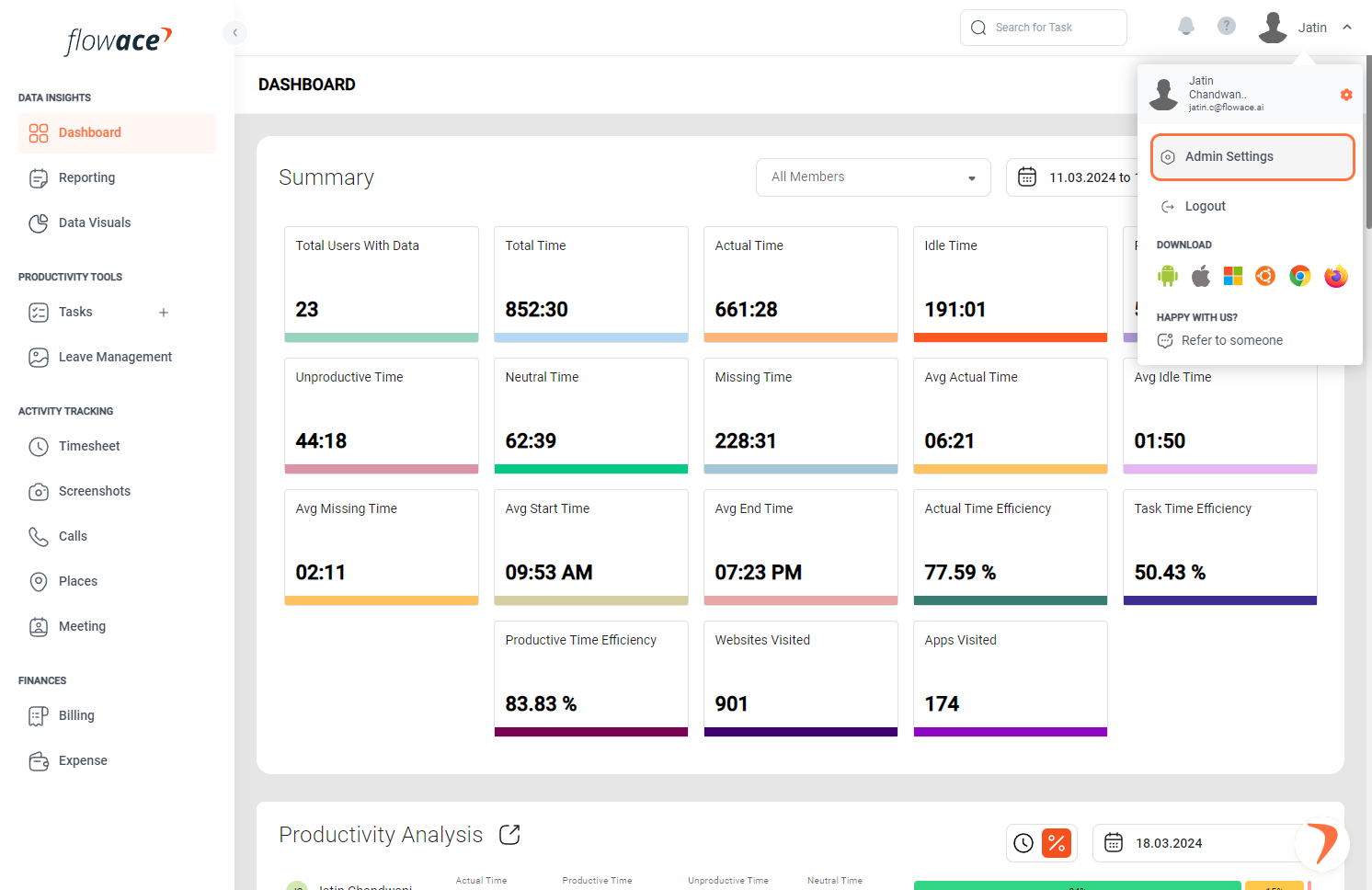
3) From the left-side menu, click on the “Work Schedules” option.
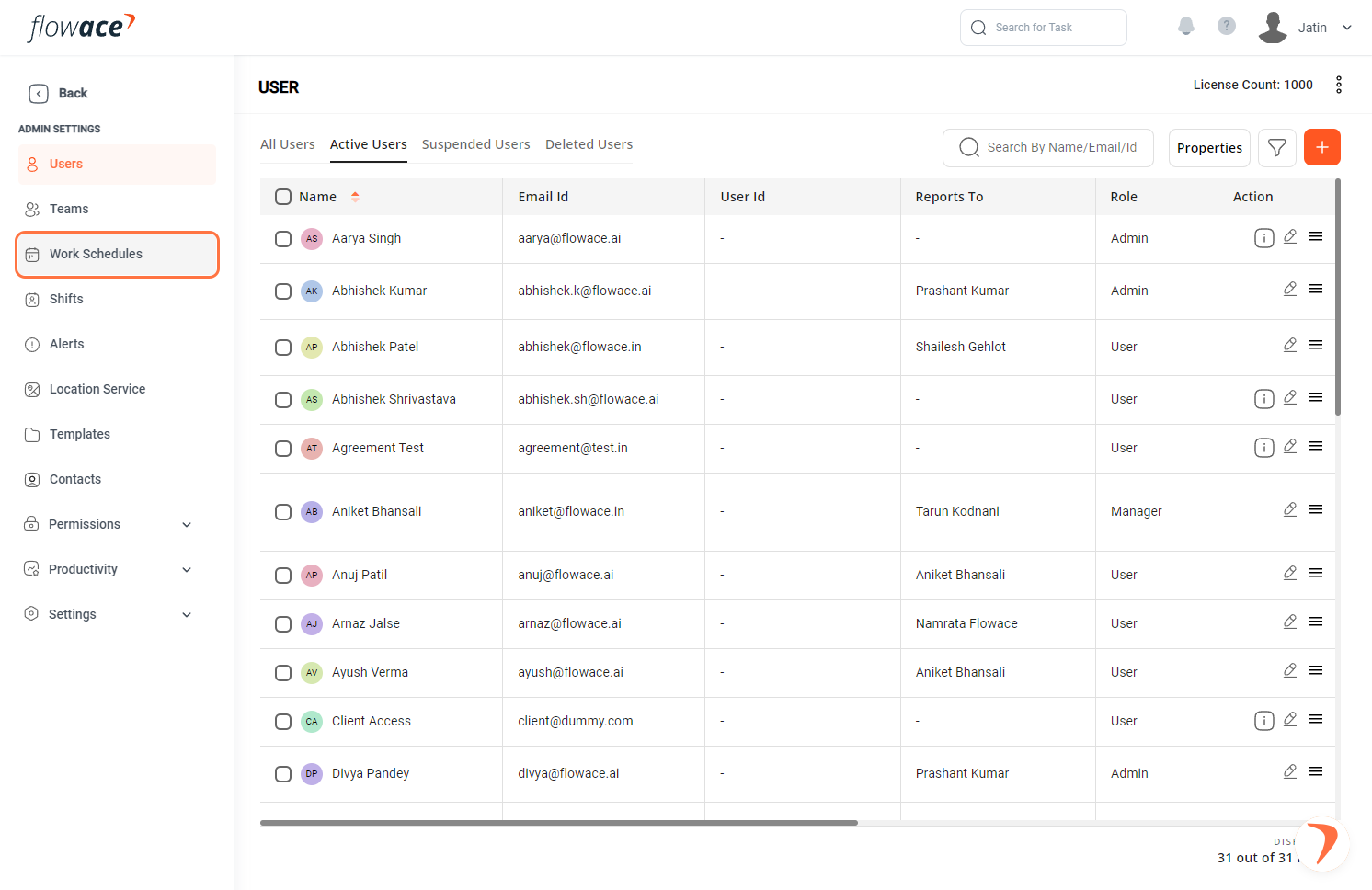
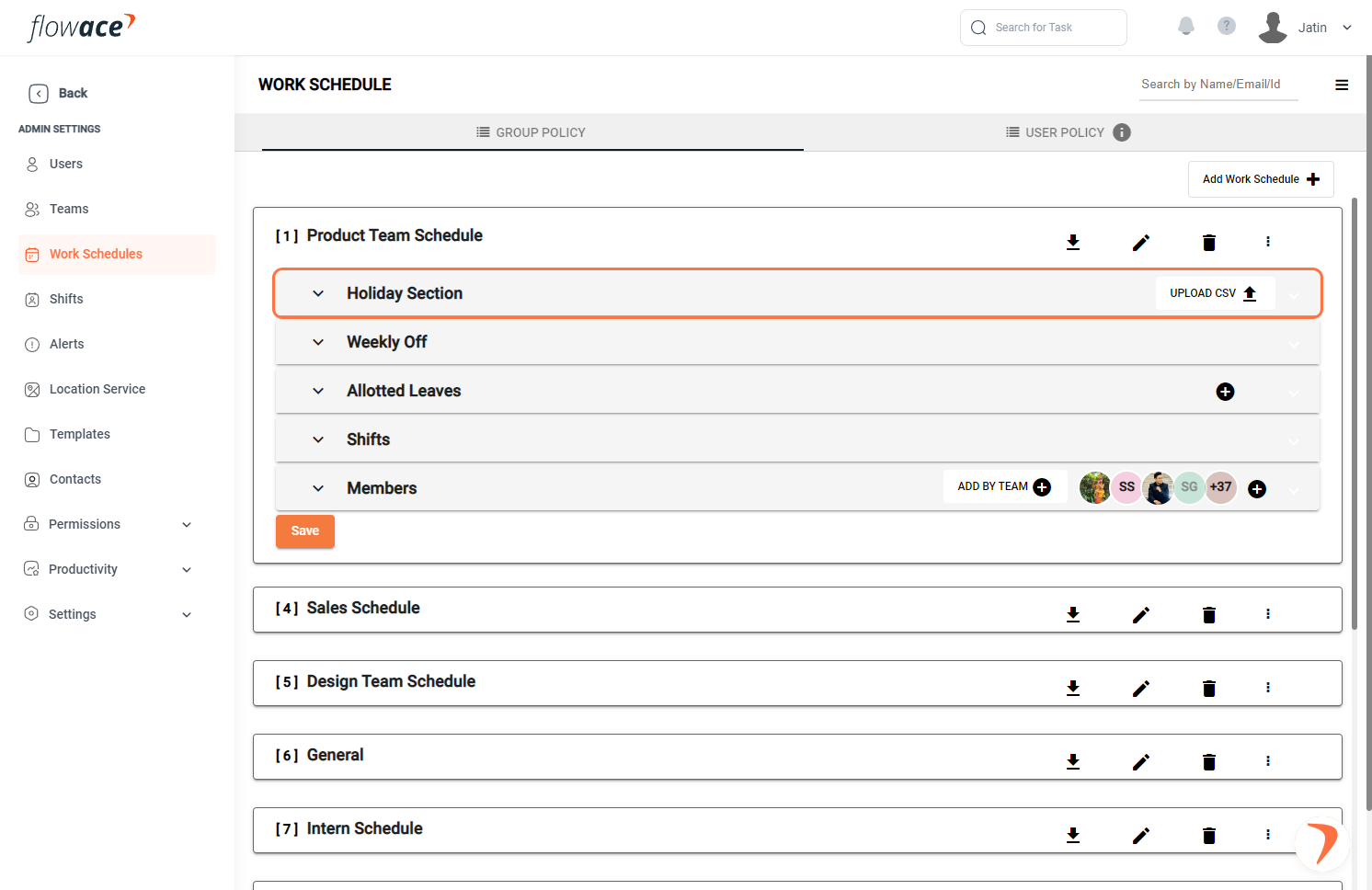
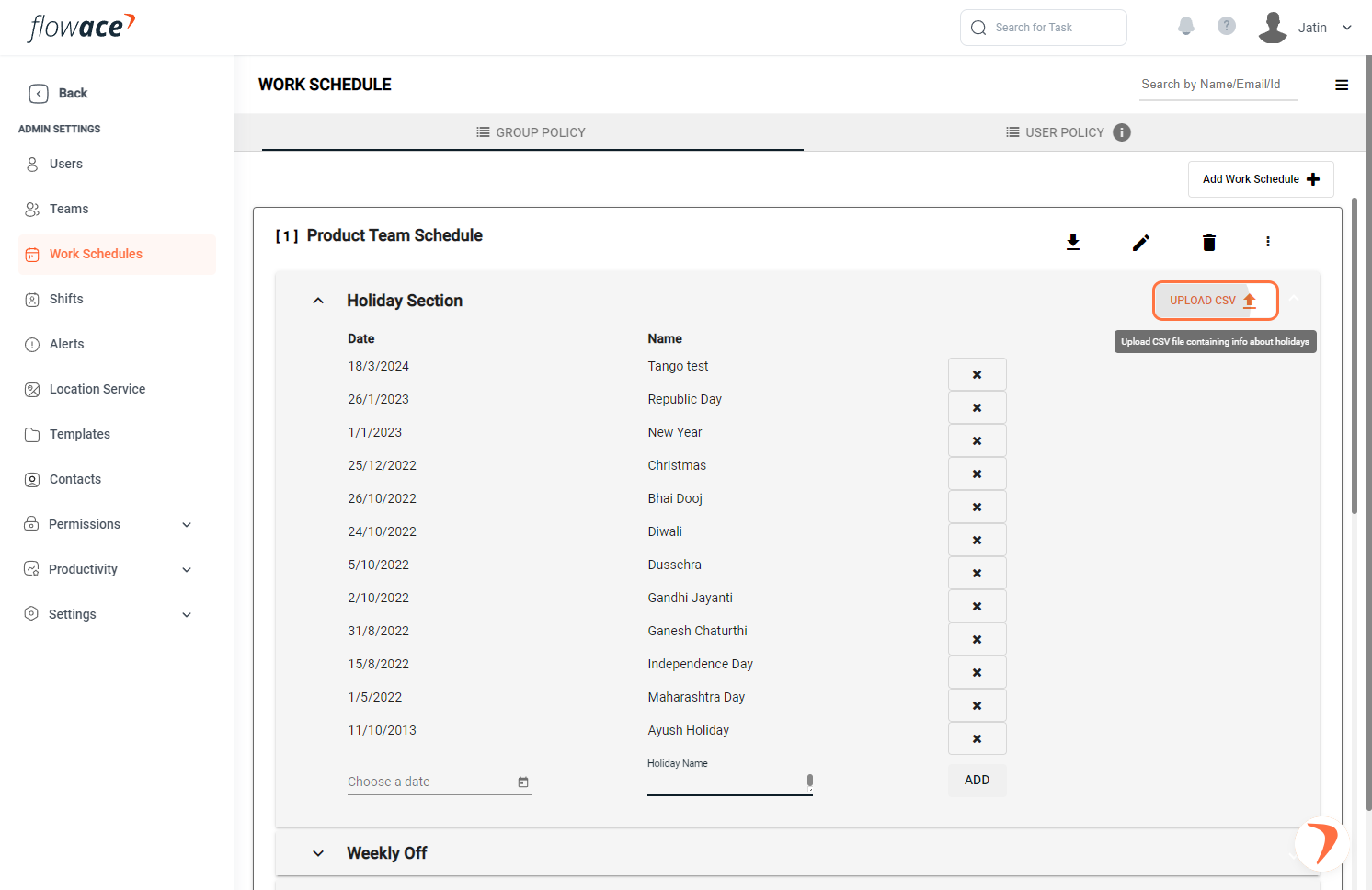
4) Expand the work schedule to fill in more details.
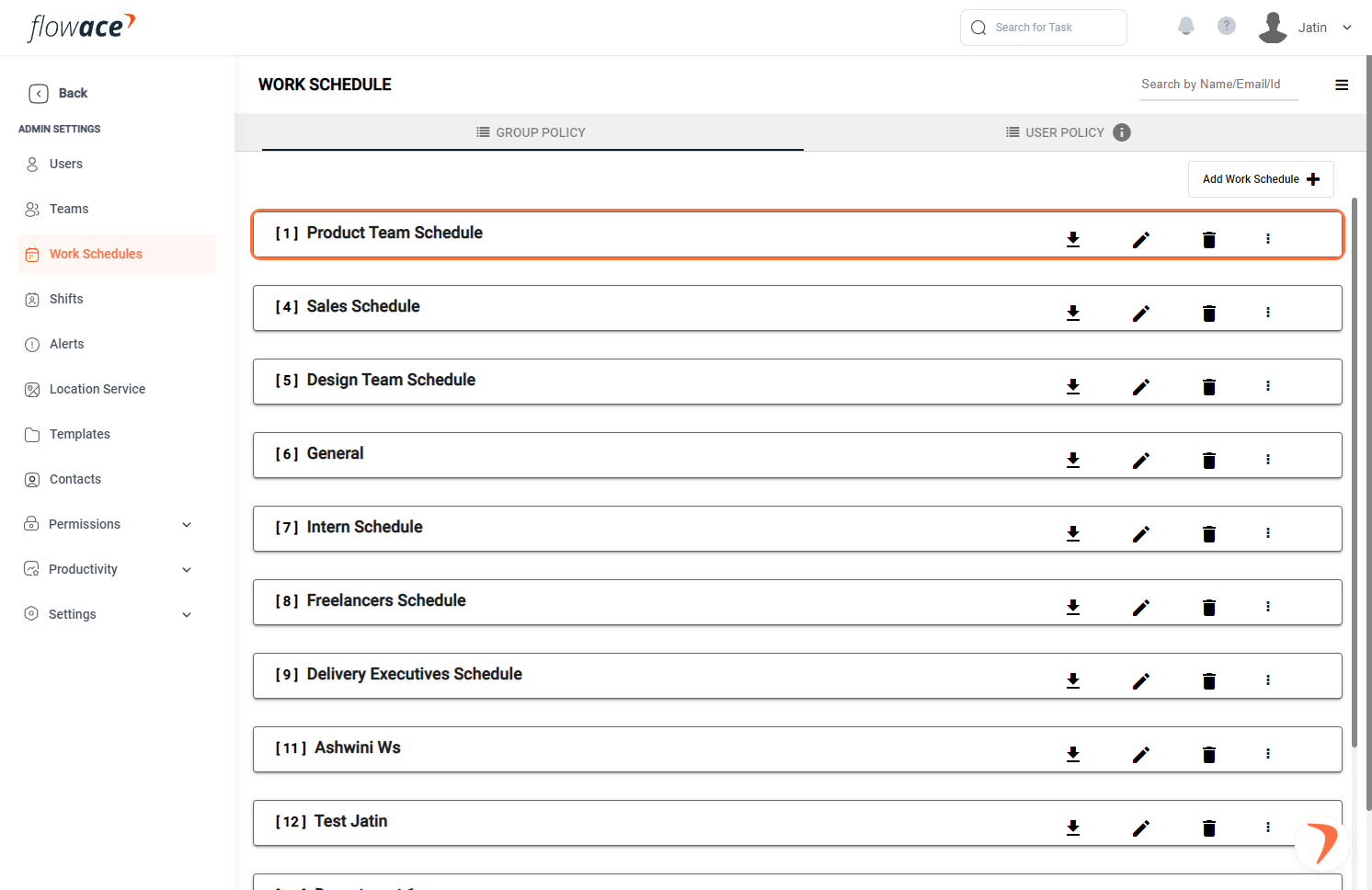
5) Expand the holiday section.
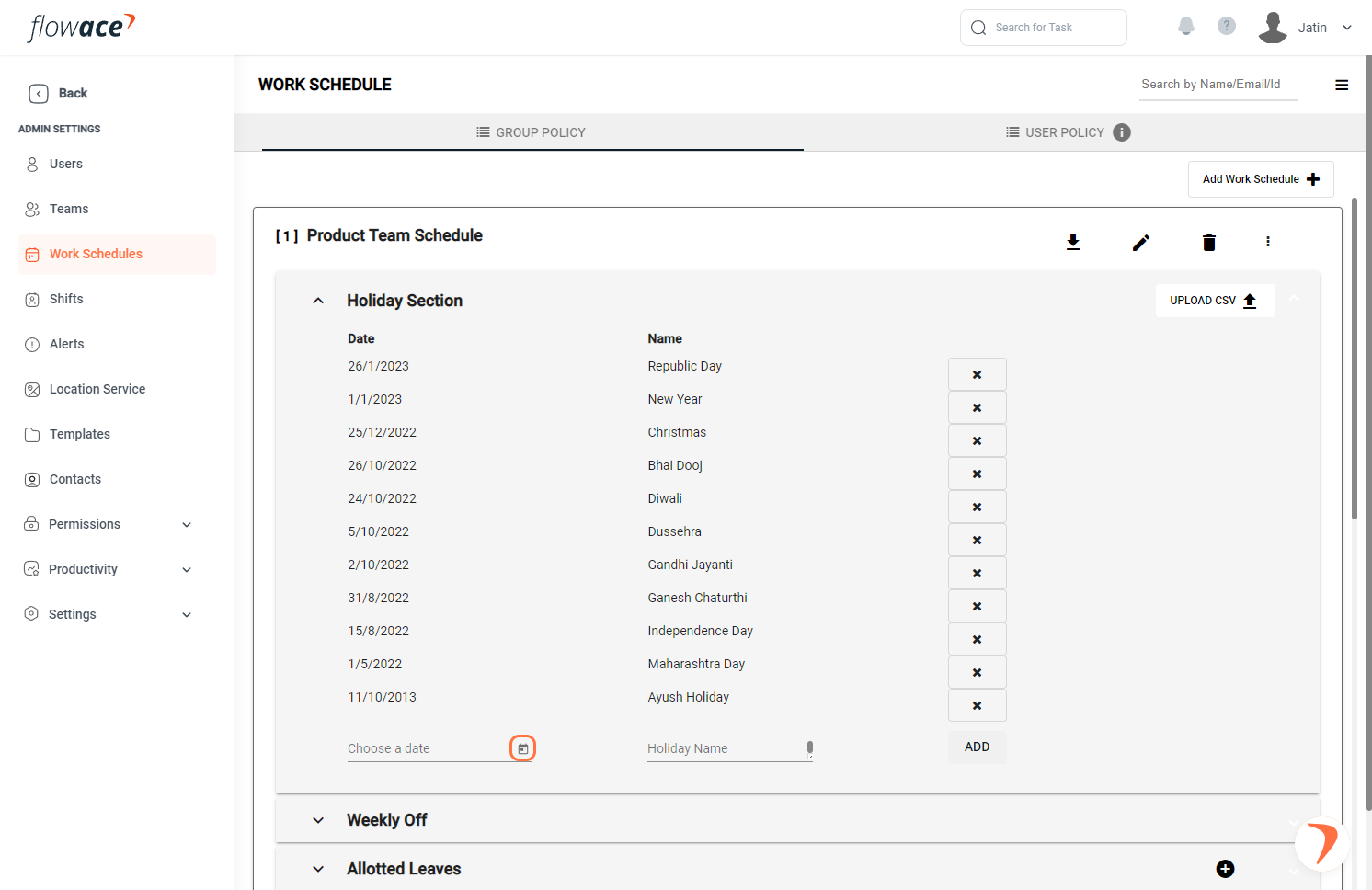
6) Click on “Choose a date” to add dates.
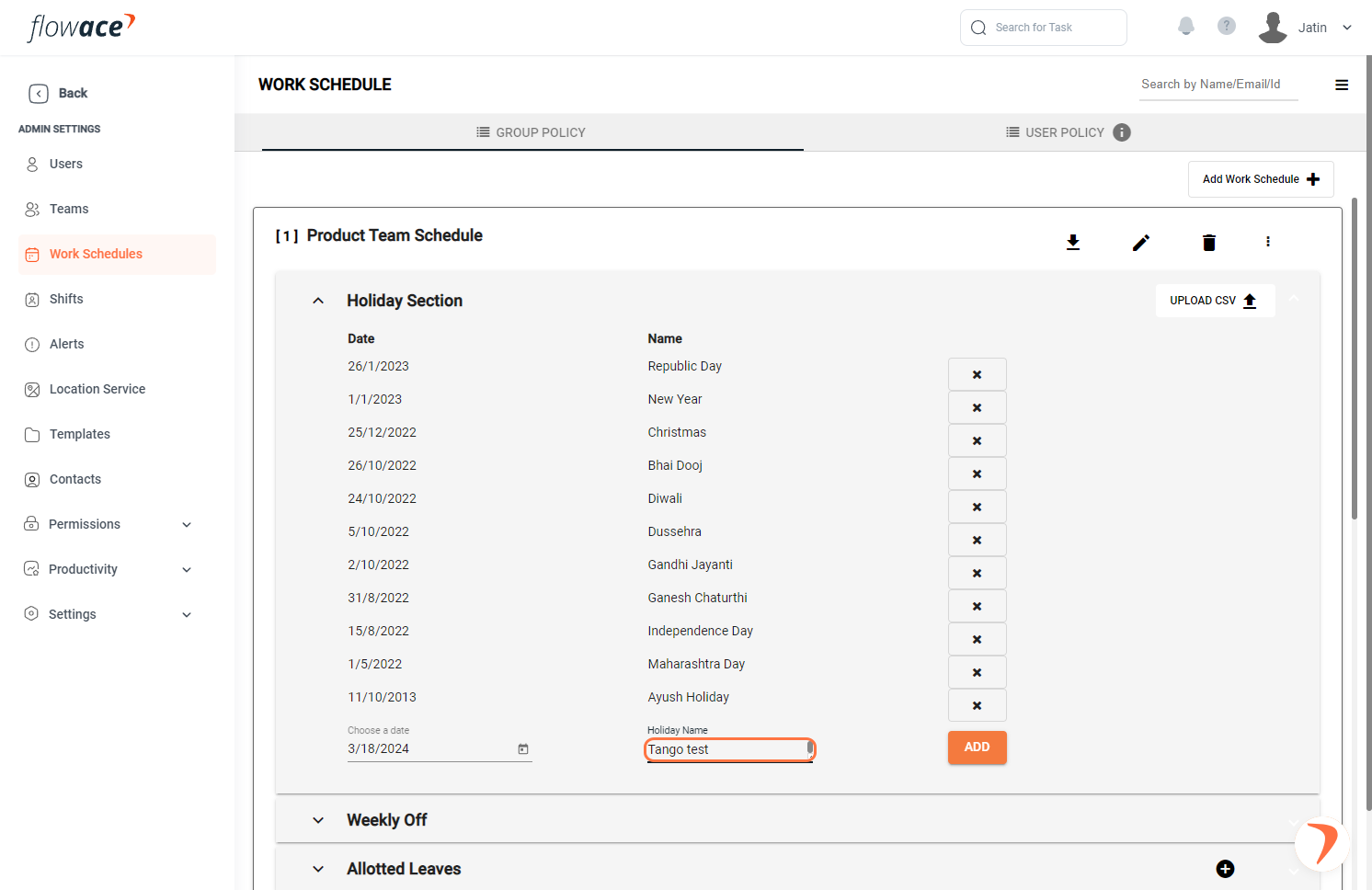
7) Type the Holiday Name.
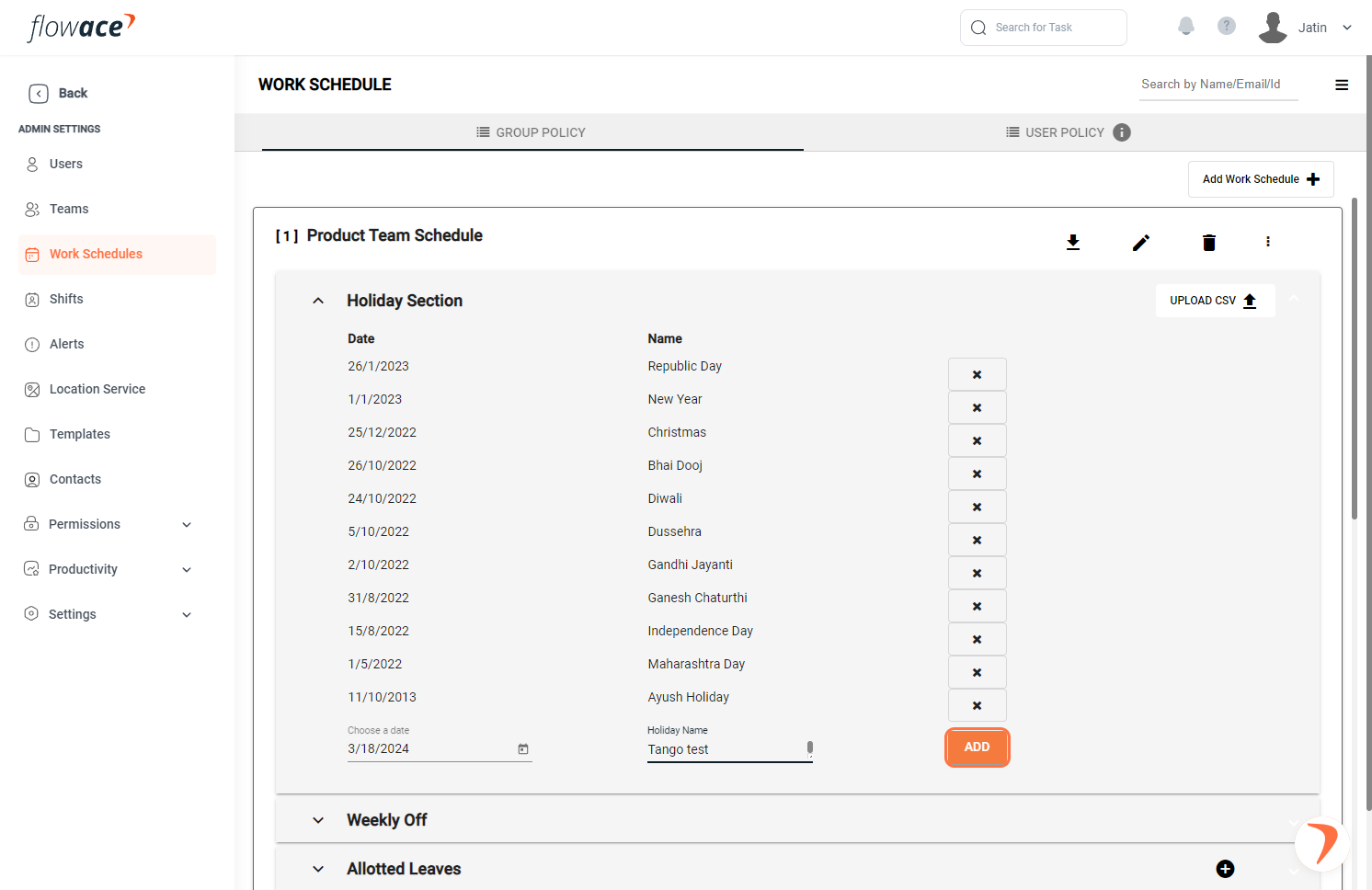
8 ) Click on the ADD button.
9) Click on the “upload CSV” button and follow the recommended format to upload holidays.
Updated on: 29/07/2026
Thank you!