How to personalize your ‘Dashboard’?
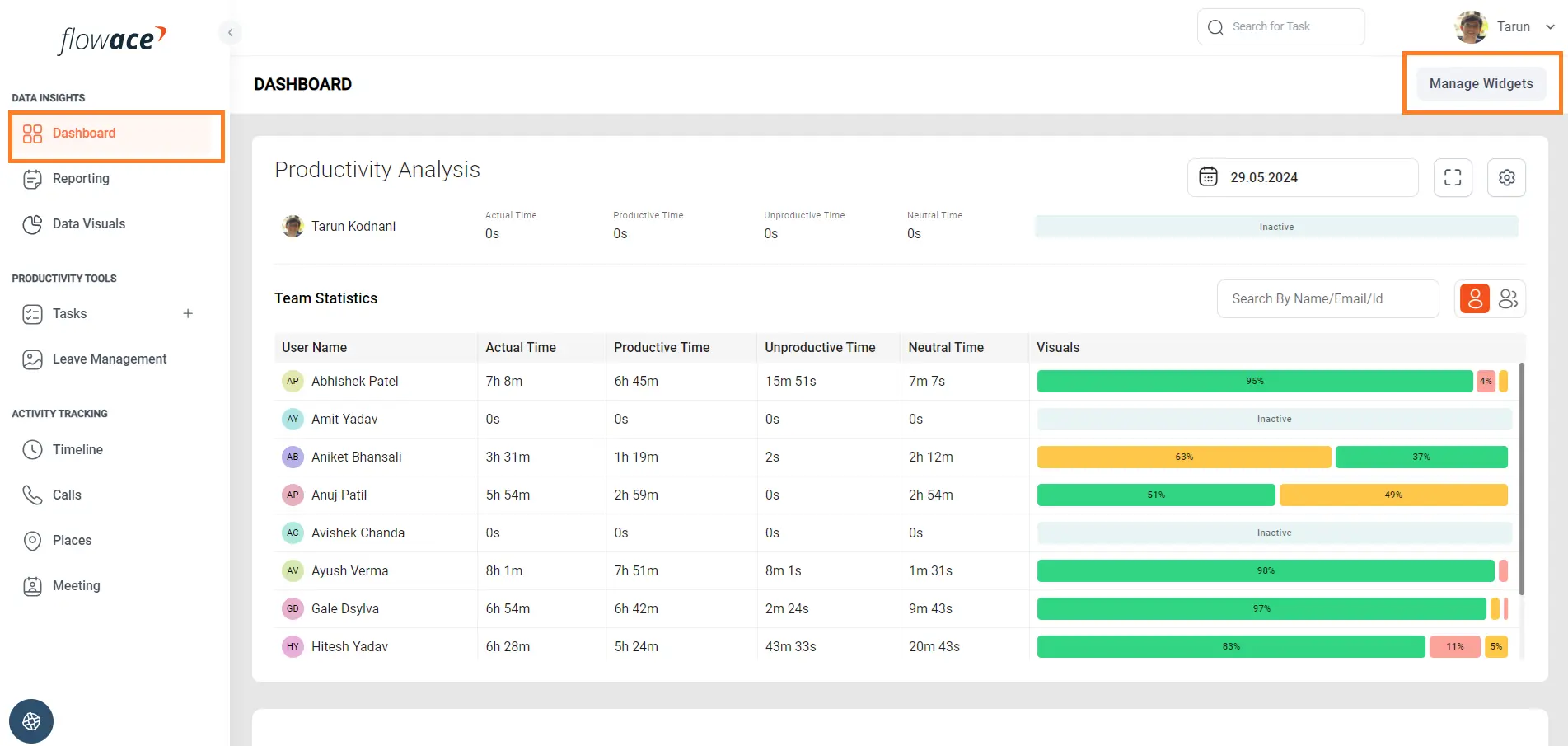
1) Navigate to Dashboard and click on the Manage Widgets button.
2) Click on the Add Widget button to add the desired widget or gadget.
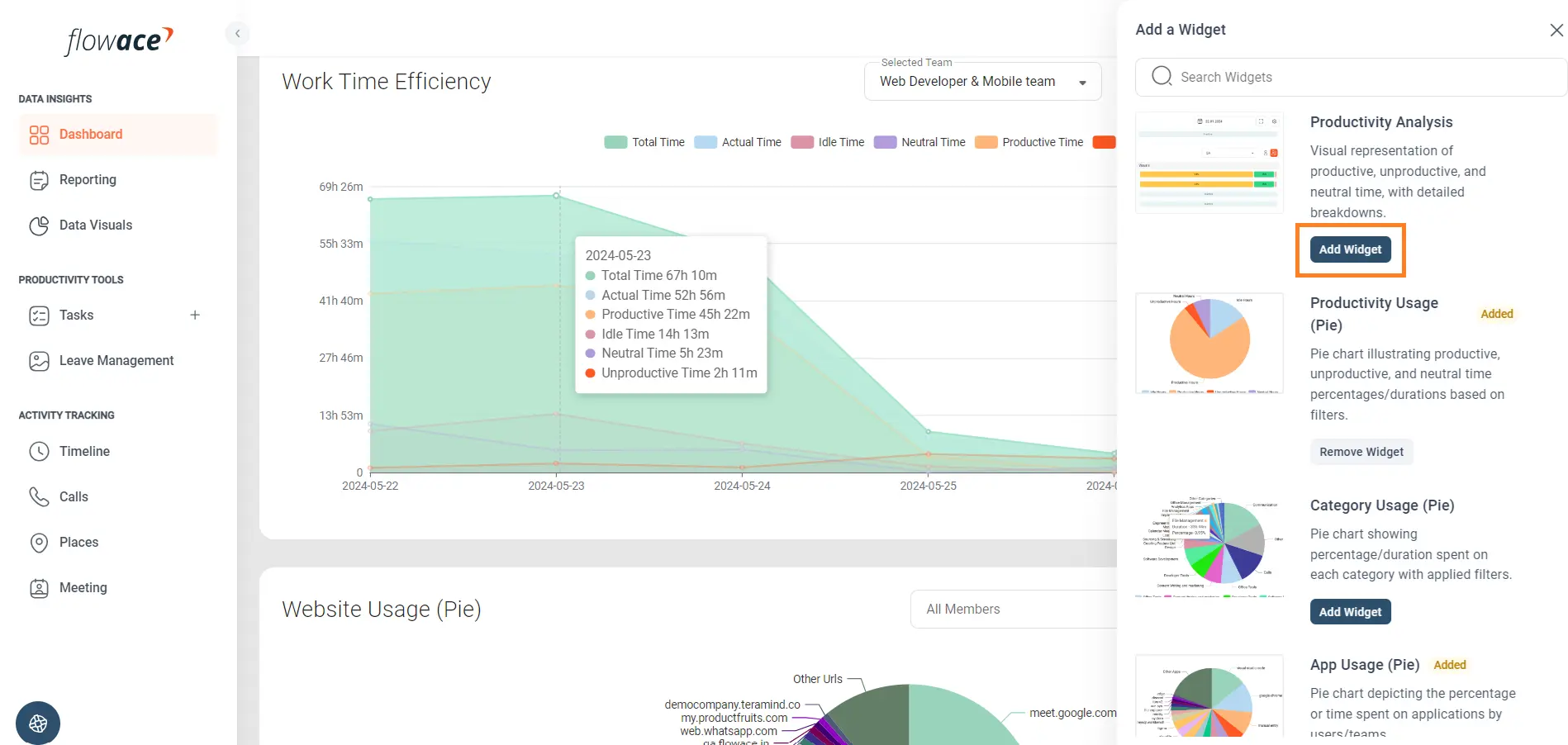
3) Click on the Remove Widget button to remove the desired widget or gadget.

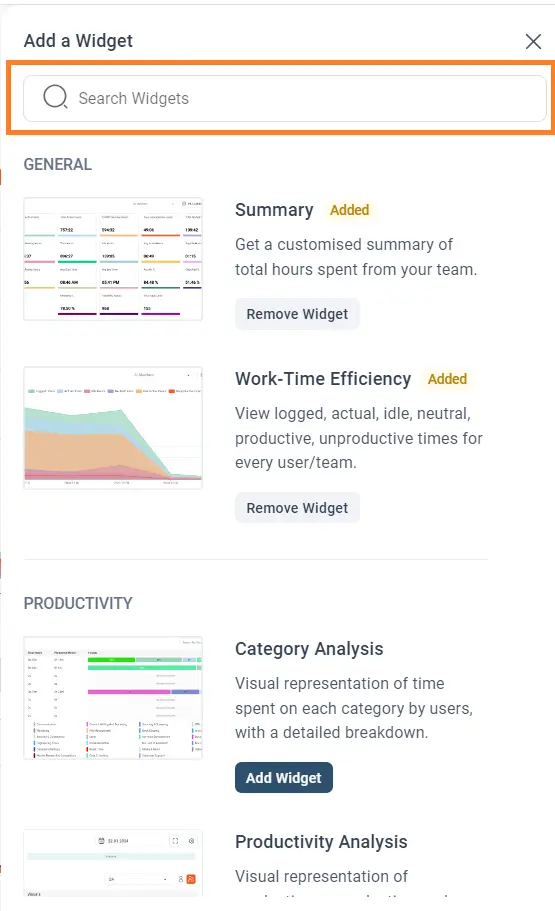
4) Use the search box to search a widget by it’s name.
Updated on: 10/06/2026
Thank you!