How to track time on mobile calls?
1) Log in to your account by downloading the Flowace App from Google Play Store

2) From the bottom navigation bar, tap on the third icon to open calls. Give permissions to access call logs.
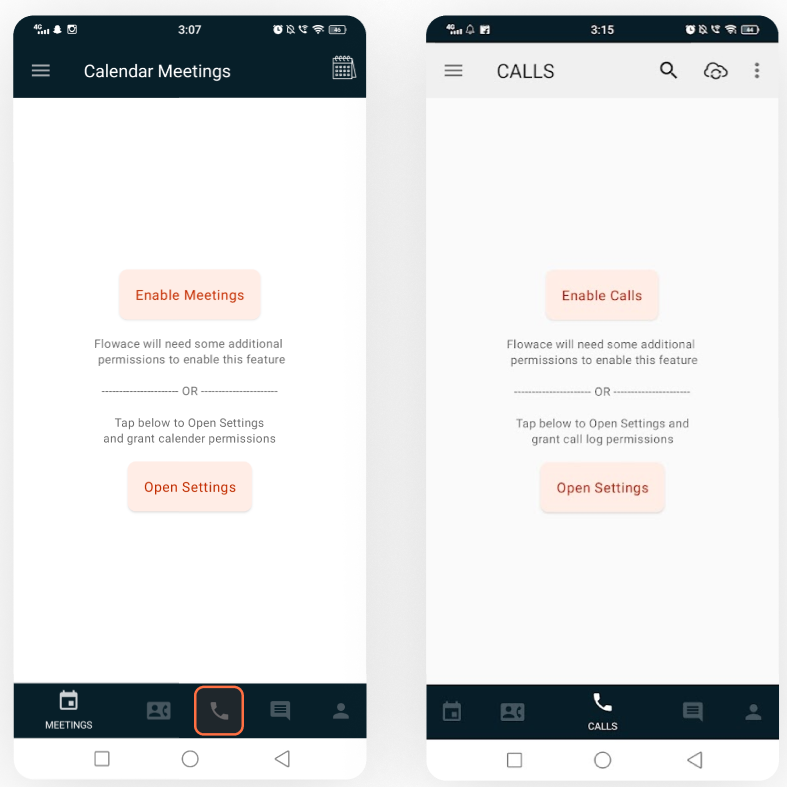
3) Once permissions are given, your screen will look something like this. It will show you the list of incoming, outgoing or missed calls.
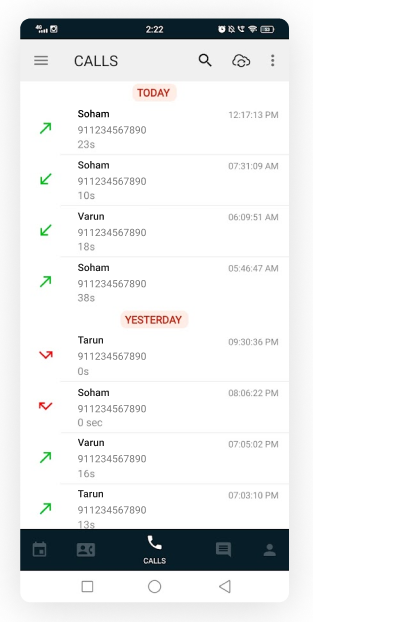
3) Tap on a call to go to the next screen. Tap and hold to select multiple calls. Once selections are made, please click on the tick button on the top right of your screen.

4) Select Projects & Tasks to add it to your timesheets.

Updated on: 10/06/2026
Thank you!