Track Task & Project Time via Dropdown
1) Open the hidden icons from the system
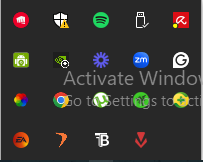
2) Open Flowace Application
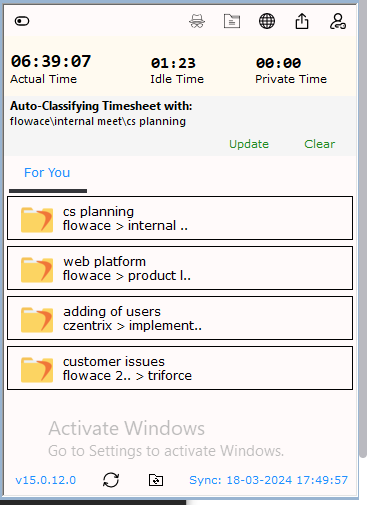
3) Click on top left turn on the bubble and select the bubble
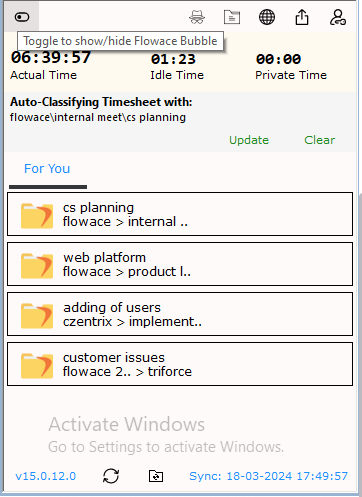
4) Select the task you want to work on and classify it as

Updated on: 29/07/2026
Was this article helpful?