How to Add Holidays to Your Company Calendar in Flowace
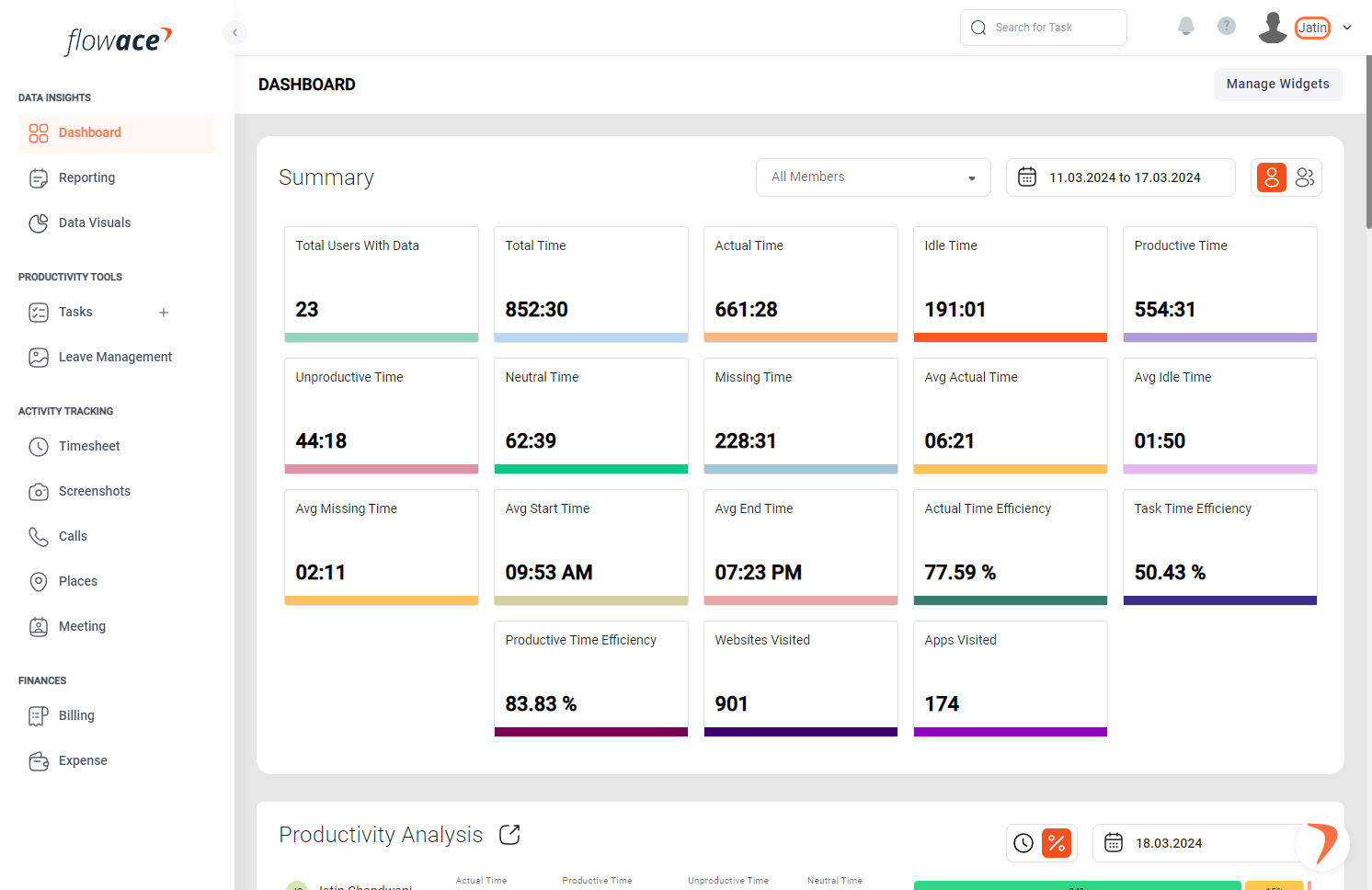
1) Click on your name in the top right corner to access your account settings.
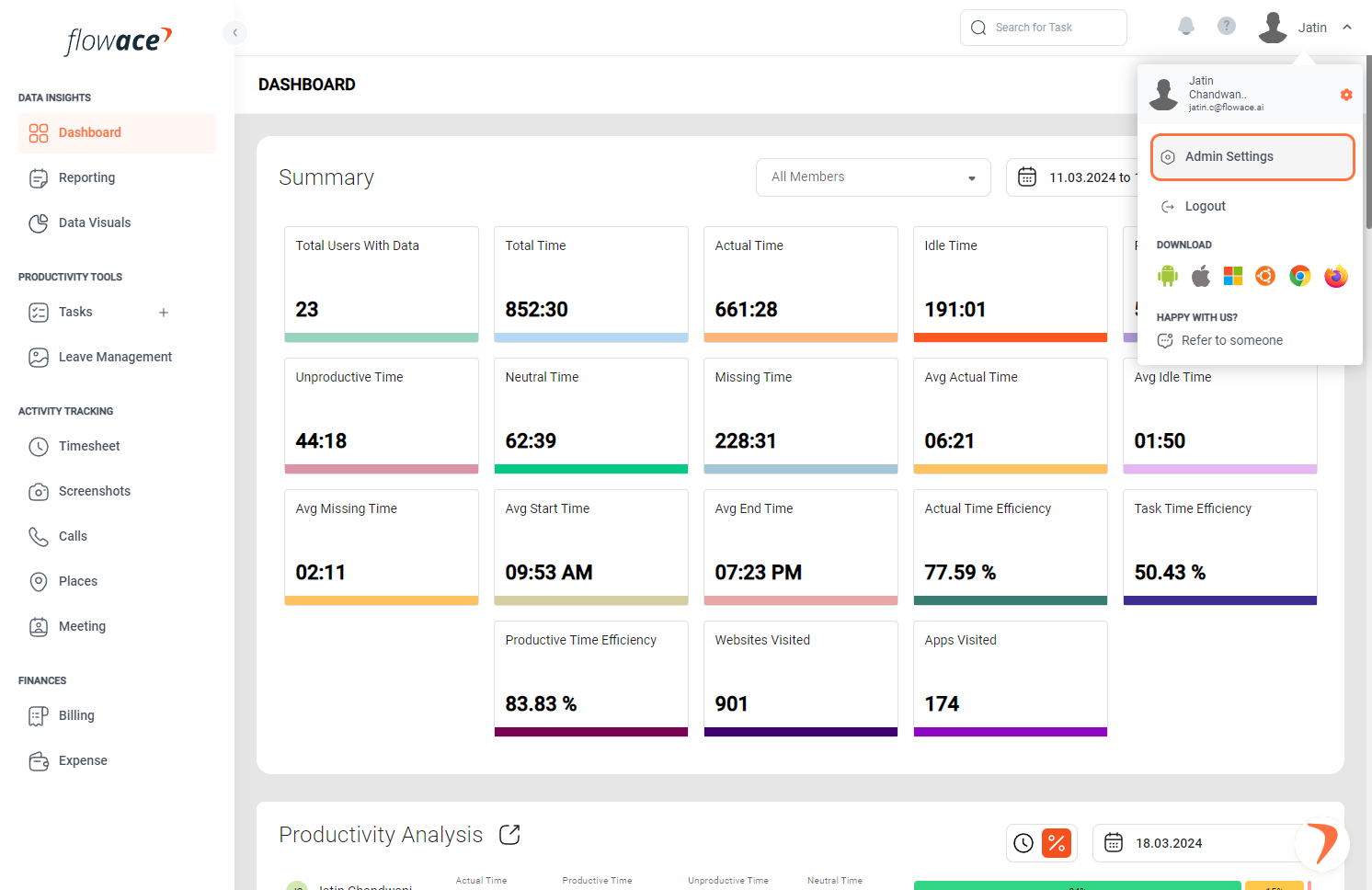
2) Click on Admin Settings.
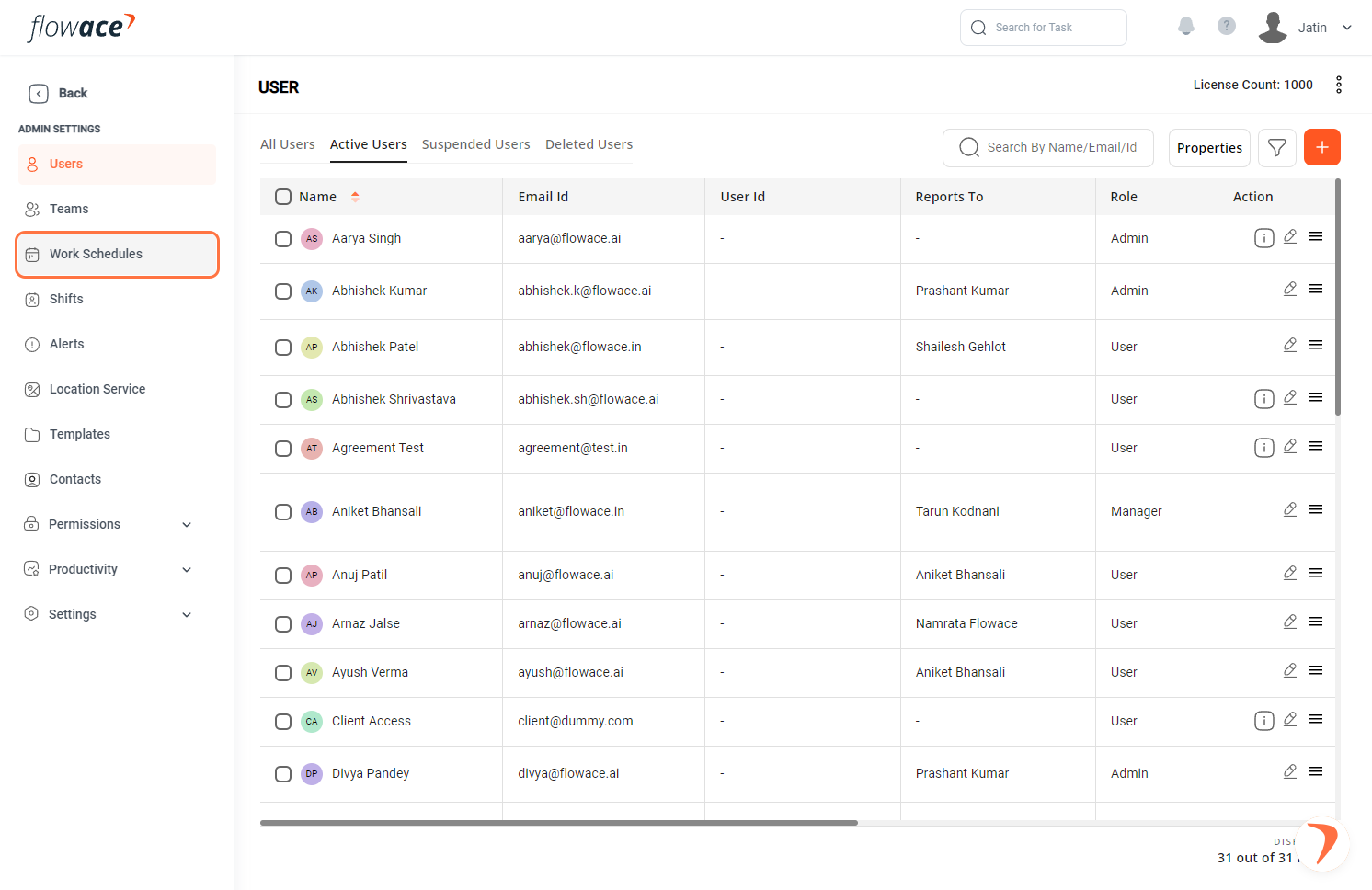
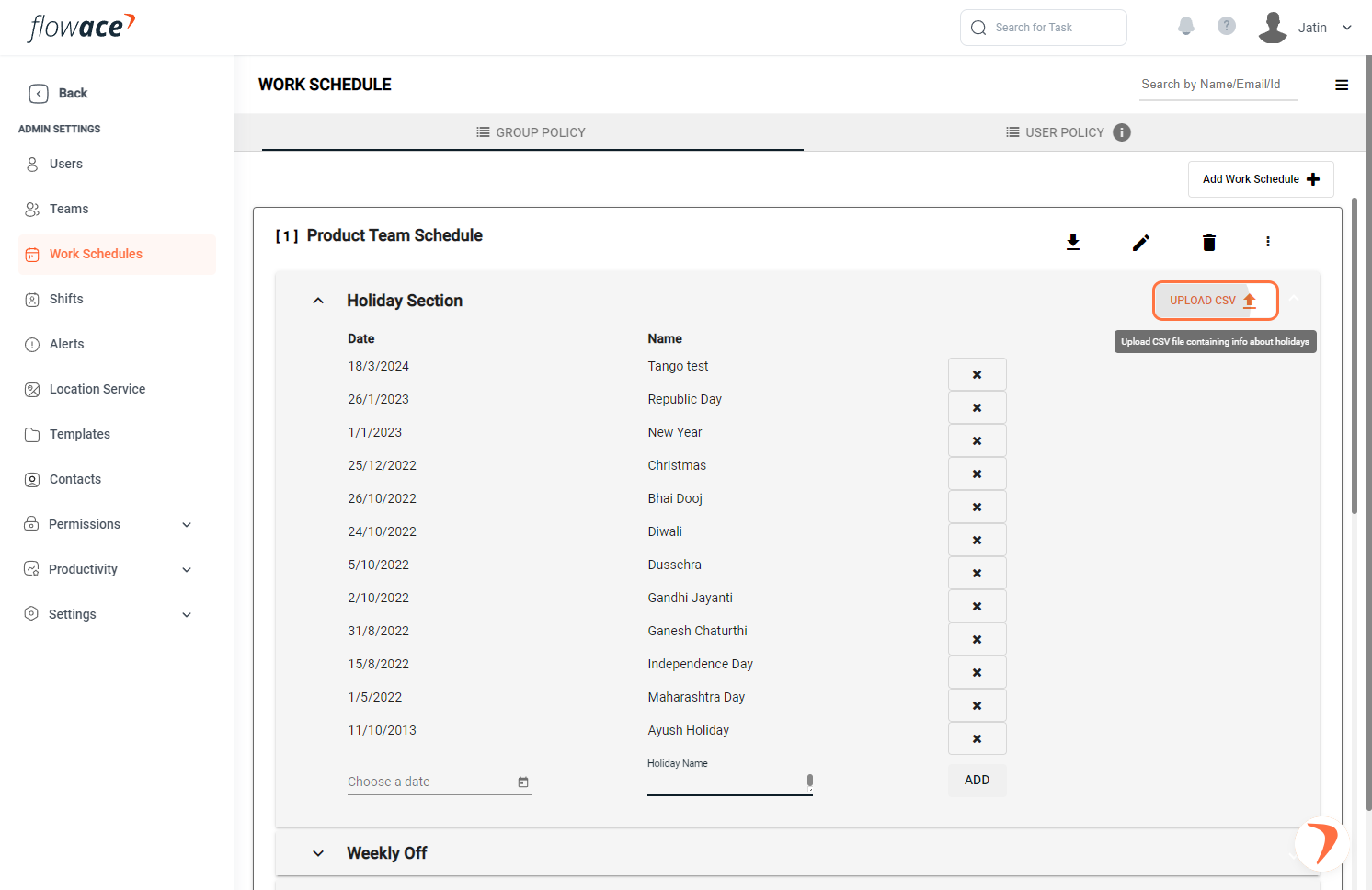
3) From the left-side menu, click on the “Work Schedules” option.
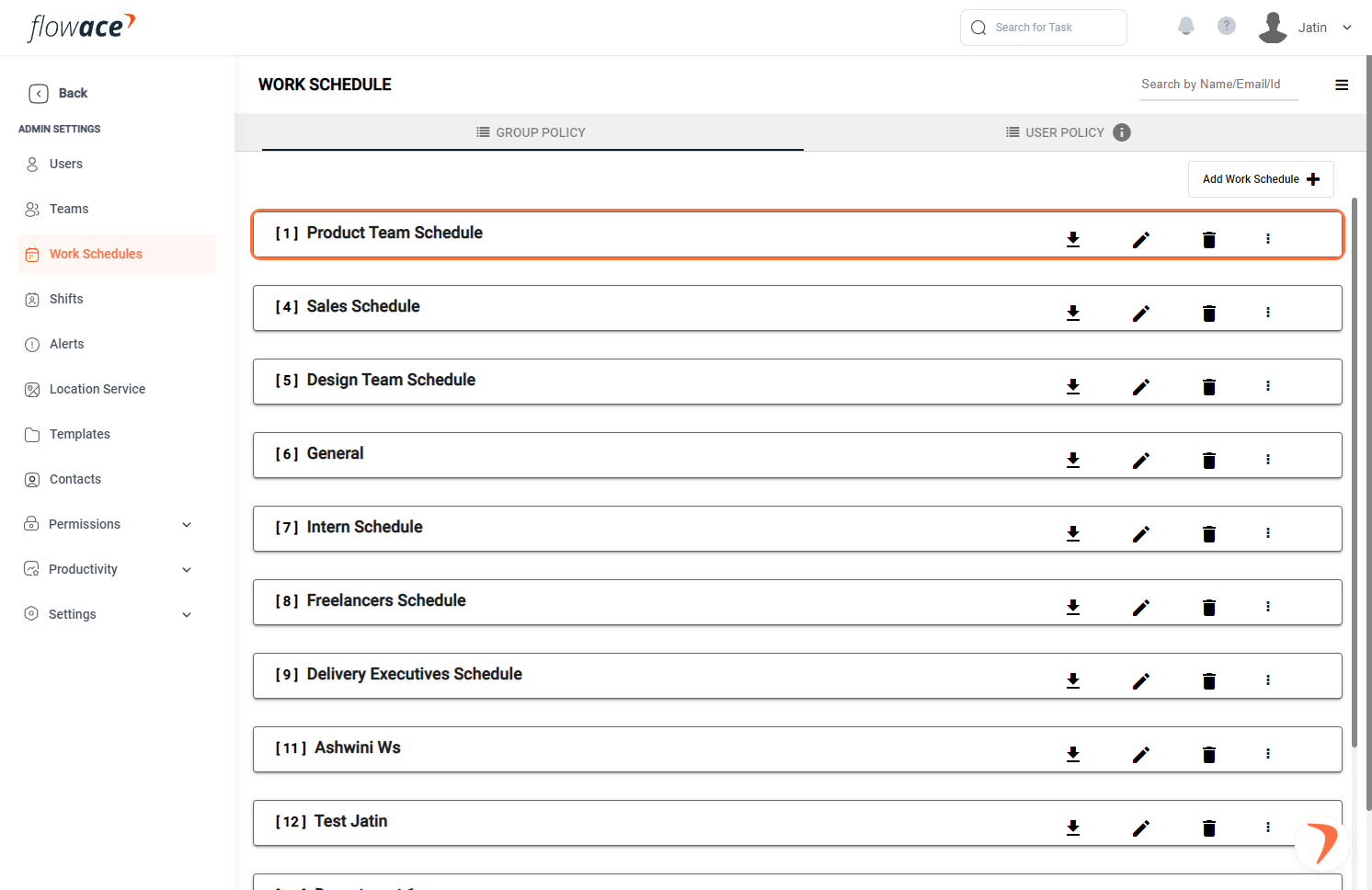
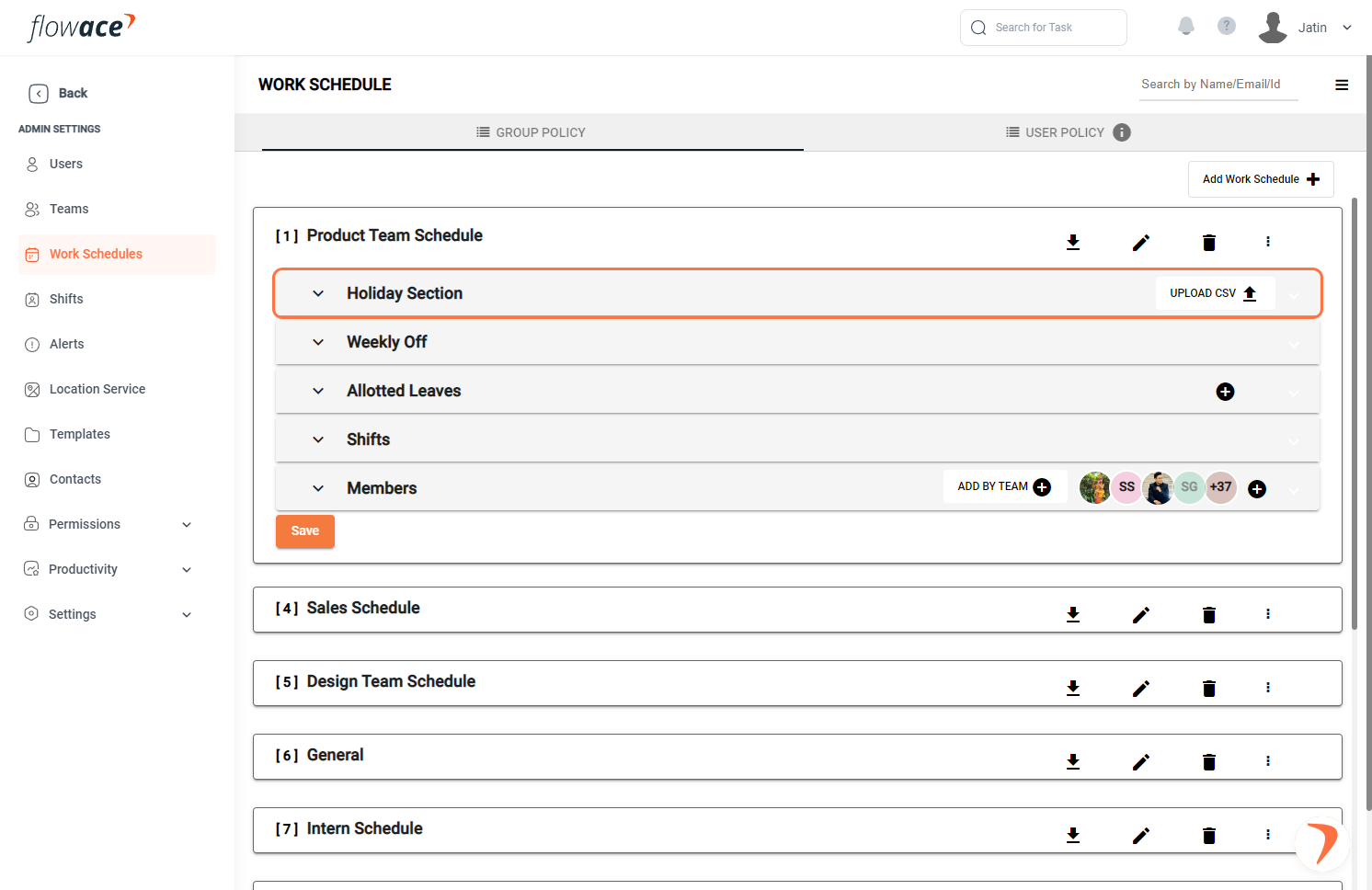
4) Expand the work schedule to fill in more details.
5) Expand the holiday section.
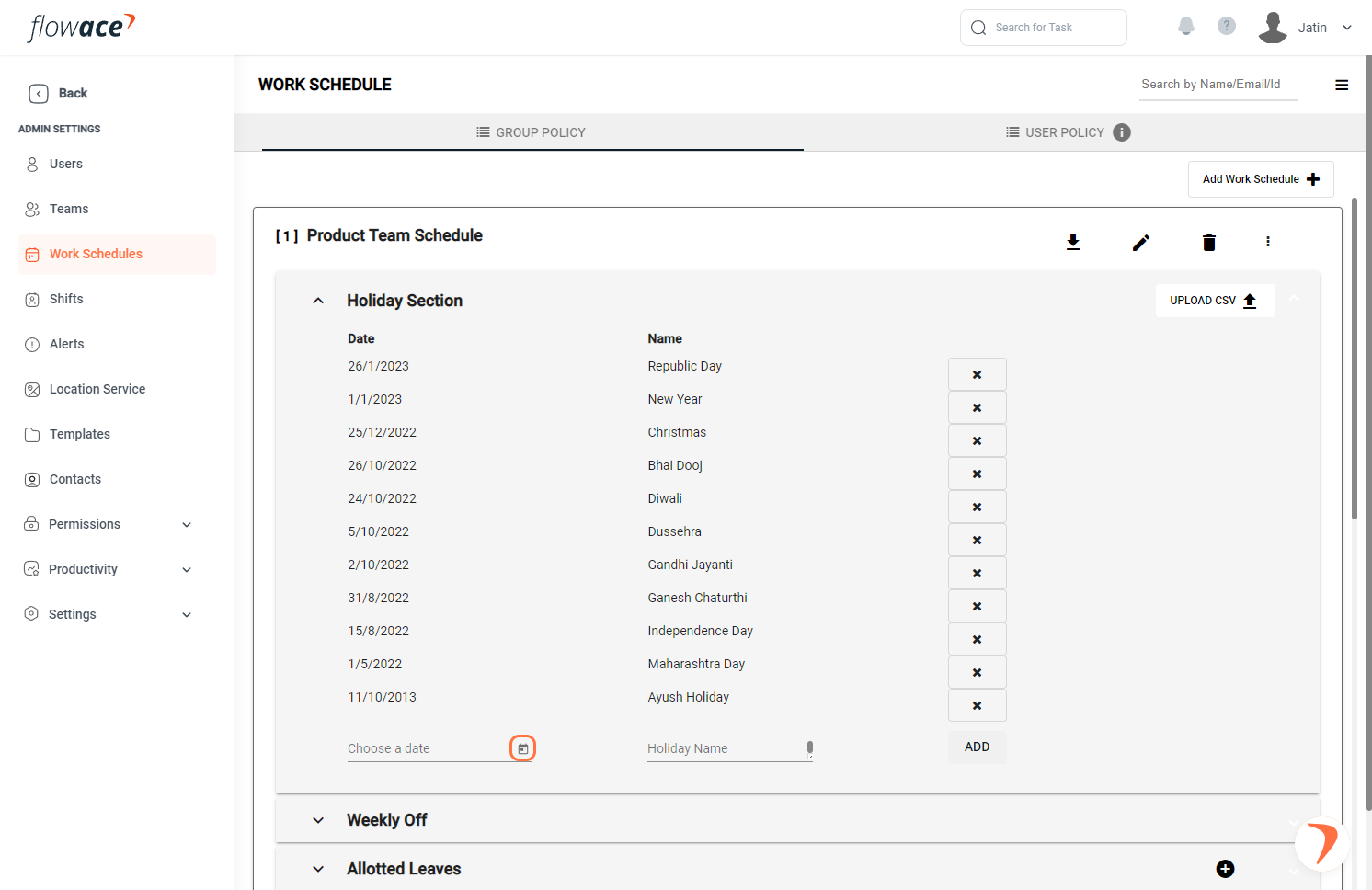
6) Click on “Choose a date” to add dates.
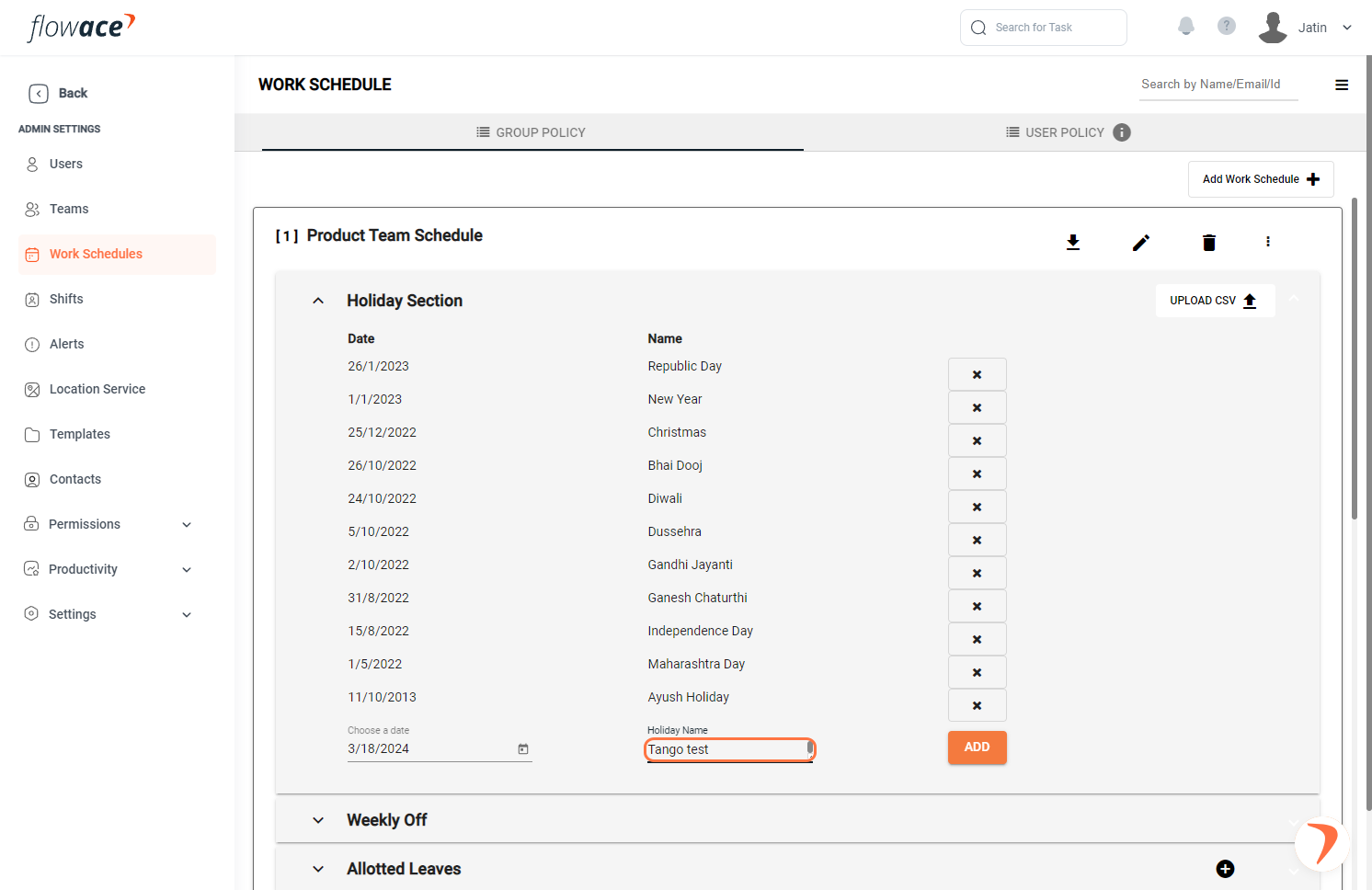
7) Type the Holiday Name.
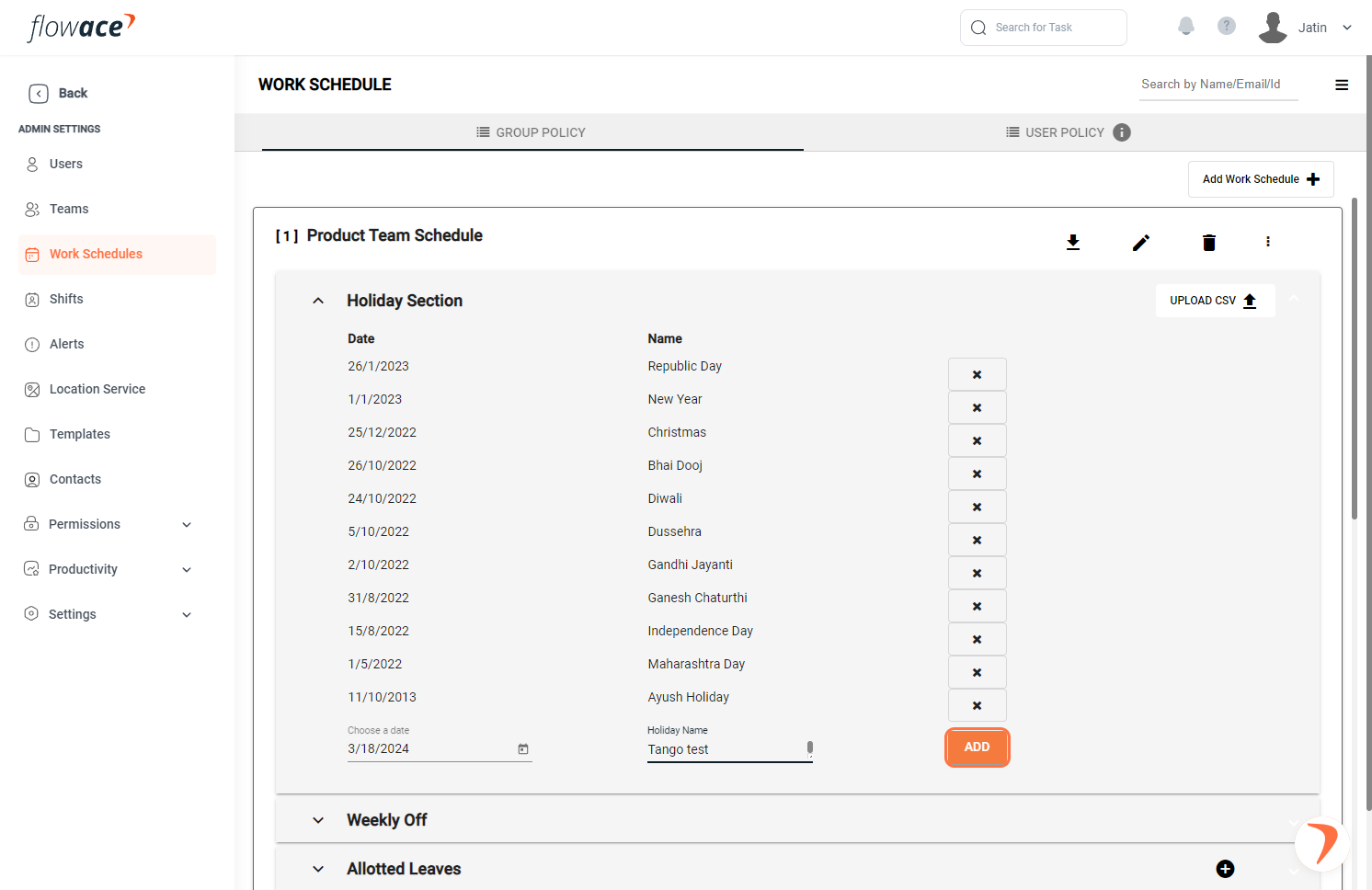
8 ) Click on the ADD button.
9) Click on the “upload CSV” button and follow the recommended format to upload holidays.
Updated on: 02/06/2026
Thank you!