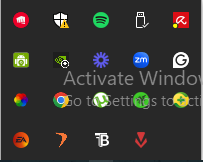
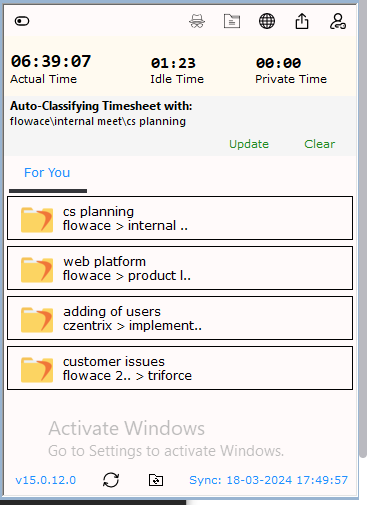
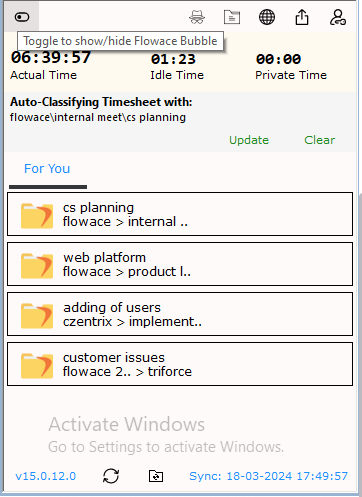
Articles on: How to GuidesTrack Time on Tasks & Projects via Dropdown Menu1) Open the hidden icons from the system2) Open Flowace Application3) Click on top left turn on the bubble and select the bubble4) Select the task you want to work on and classify it asUpdated on: 10/06/2026